
Meet SMPIS: school management software for Nigerian schools
Discover SMPIS by Cyberlife Digital: one workspace for admissions, school fees, attendance, report cards and parent portals. Start a 30-day free trial.
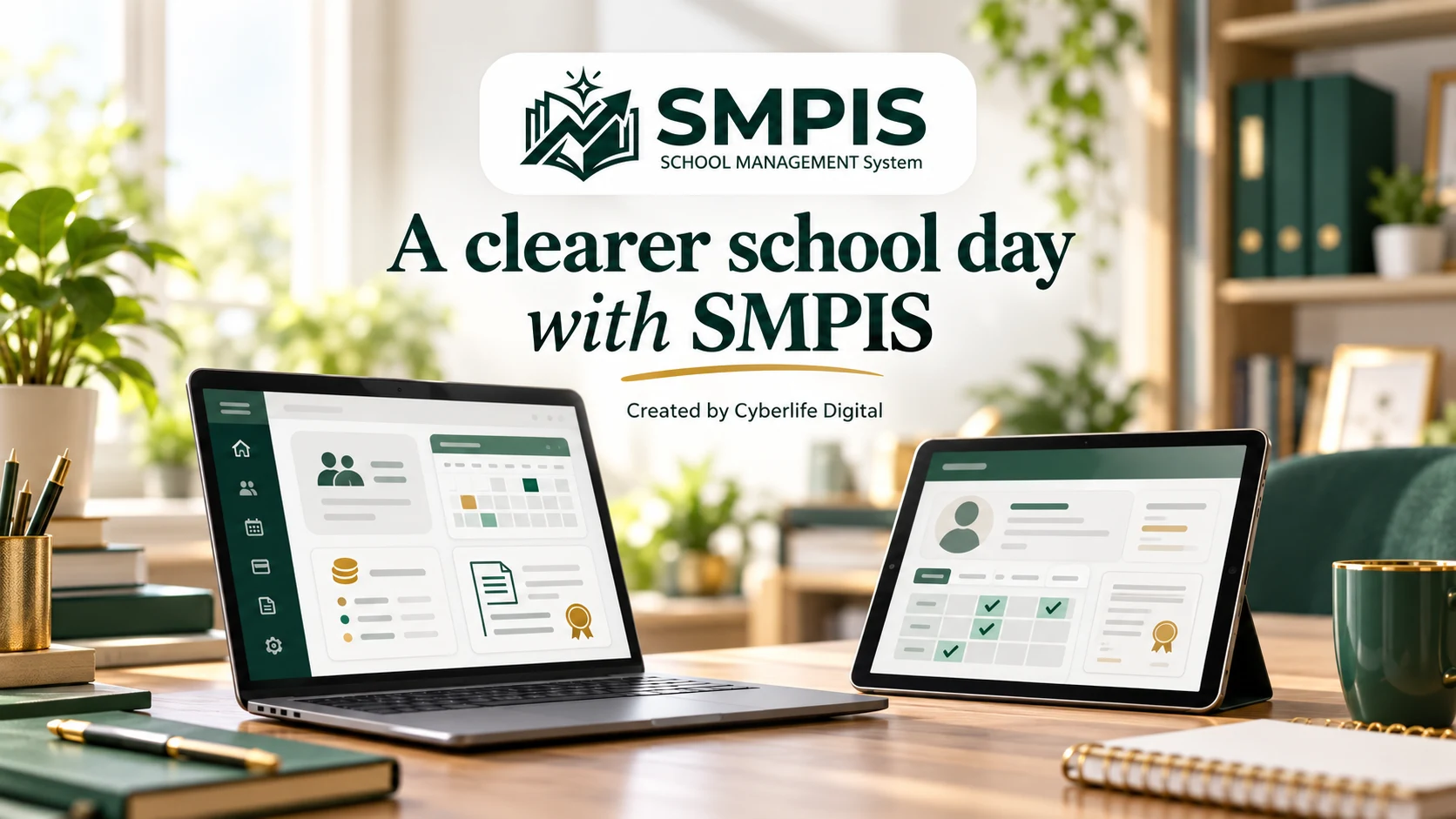
A parent needs a fee balance. A teacher is preparing term reports. The school office is processing admissions, and the proprietor wants to know which issues need attention. When the answers live in separate registers, spreadsheets and message threads, a simple school day can become an exercise in chasing information. SMPIS.digital, Cyberlife Digital's latest creation, brings those everyday responsibilities into one school management platform so teams can spend less time looking for records and more time supporting their school community.
What is SMPIS, and why do schools need it?
SMPIS stands for School Management, Performance and Intelligence System. It connects student records, admissions, academics, attendance, school fees, staff administration and family access in a shared workspace. Each school gets its own portal, with access organised around people's responsibilities.
For school owners researching school management software in Nigeria, the important question is how a system improves daily work. Can the office find an applicant's next step? Can the bursar identify an outstanding balance? Can a parent access a published report without another trip to school? SMPIS is built around these practical tasks.
Disconnected records make it harder to maintain a consistent picture as a school grows. Bringing related information together gives staff a clearer place to work and leaders a better basis for deciding what needs attention.
A clearer view for school owners and administrators
A proprietor should be able to ask about enrolment, attendance or fee collection without requesting several unrelated spreadsheets. SMPIS brings these areas into role-based dashboards, reports and management alerts, using the information the school team records.
That visibility can help leaders spot a growing fee balance, review attendance patterns or follow up on unresolved operational work. The value comes from making decisions with connected records; accurate, timely entries and clear responsibilities remain essential.
- Keep student details, guardian contacts and documents together.
- Review enrolment, attendance, fee collection and operational summaries.
- Assign access for leadership, teaching, finance, HR and families according to their roles.
School fees management with fewer unanswered questions
School fees management involves more than noting that a payment arrived. Schools need to know what was billed, which charges apply, whether an instalment is due and what remains outstanding. SMPIS supports class and term fee structures, itemised invoices, recorded payments, fee waivers and instalment plans.
For example, when a parent asks about a balance, the finance team can work from an organised invoice and payment record. Linked parents can use their portal to review their children's financial information, reducing the need to request every update through the office.
Schools can configure supported payment providers and bank transfer instructions. Provider availability, setup and payment confirmation should be reviewed during onboarding; an online payment option depends on the school's configuration.
Report card software that connects assessment to publication
End-of-term reporting becomes demanding when scores, grading rules, teacher comments and approvals are handled in different places. SMPIS supports continuous assessment and exam weights, teacher score entry, gradebooks, review and the publication of PDF report cards.
Teachers work with their assigned classes and subjects. School leaders can review reports before finalisation, and published reports become available to the linked parents and students. A defined review process gives the school a chance to check completeness before families see the results.
The teacher workspace also supports topic plans and teaching logs. Connecting planning with academic records helps schools discuss what was taught and how pupils are progressing, while preserving the professional judgement of teachers and school leaders.
Student attendance and admissions in one school workflow
An admissions process needs a visible next action. SMPIS lets families apply online and receive an application reference, while the school tracks applications, assessments and offers. Student and guardian details can then be managed alongside the records needed for everyday administration.
Student attendance tracking gives each class a daily register and keeps attendance histories and summaries available for review. Staff check-in and check-out records are supported too. When absences need attention, an organised history gives the responsible team a clearer starting point for follow-up.
A parent portal that makes school information easier to reach
Parents benefit when routine information is accessible without repeated calls, printed requests or visits to the office. SMPIS links parent accounts to their children's records, with access to relevant school information, fees and published academic results. Students have access connected to their own accounts.
A parent portal works best alongside clear school communication. Explain how families receive access, when results are published and whom to contact if a record needs correction. Technology provides a consistent place to find information; the school remains responsible for keeping that information accurate and helping families use it.
Beyond academics: staff, facilities and follow-up
School life also includes recruitment, leave requests, equipment, repairs and concerns raised by families. SMPIS includes staff profiles and HR workflows, facilities and asset registers, maintenance cases and school experience tools for recording and following up on concerns.
Giving a repair or complaint a responsible person, priority and case history helps a school keep track of unfinished work. These capabilities make the platform relevant to the operational team as well as the classroom and finance office.
How to choose school management software in Nigeria
Whether you are comparing school administration software, a student information system, a school ERP or an online result portal, test the tasks your staff actually perform. Start with an admission, a fee invoice, an attendance register and a report card. Then check what a parent can see and which actions each staff role can take.
Before adopting any platform, discuss your academic structure, grading rules, payment setup, existing records, staff training and support needs. Ask about access controls, data handling, exports and recovery arrangements. Confirm these details with the product team rather than assuming every school follows the same workflow.
SMPIS currently offers a 30-day trial with no card required and access to all core modules. Continued access after the trial requires a paid subscription. Check the live website for current pricing and terms, then use the trial to evaluate the fit with your school's requirements.
- Choose a small group of staff to evaluate realistic school tasks.
- Agree who owns student, finance and academic data entry.
- Review role permissions before inviting staff and families.
- Plan training and a clear transition from existing records.
Created by Cyberlife Digital for a better school day
SMPIS is Cyberlife Digital's latest product: a connected school workspace that brings our digital strategy, interface design and development work into the everyday needs of school communities. Our aim is practical: give schools a clearer way to manage information so people can focus on the work that needs their attention.
If you own or lead a school, explore SMPIS.digital and try the workflows that matter most to your team. If you are discussing a wider school technology project, a website or an integration, speak with Cyberlife Digital about your requirements. Start with the school day you want to improve, and build the digital tools around it.